> For the complete documentation index, see [llms.txt](https://docs.nfprompt.io/llms.txt). Markdown versions of documentation pages are available by appending `.md` to page URLs; this page is available as [Markdown](https://docs.nfprompt.io/getting-started/buying-nfps.md).
# Buying NFPs
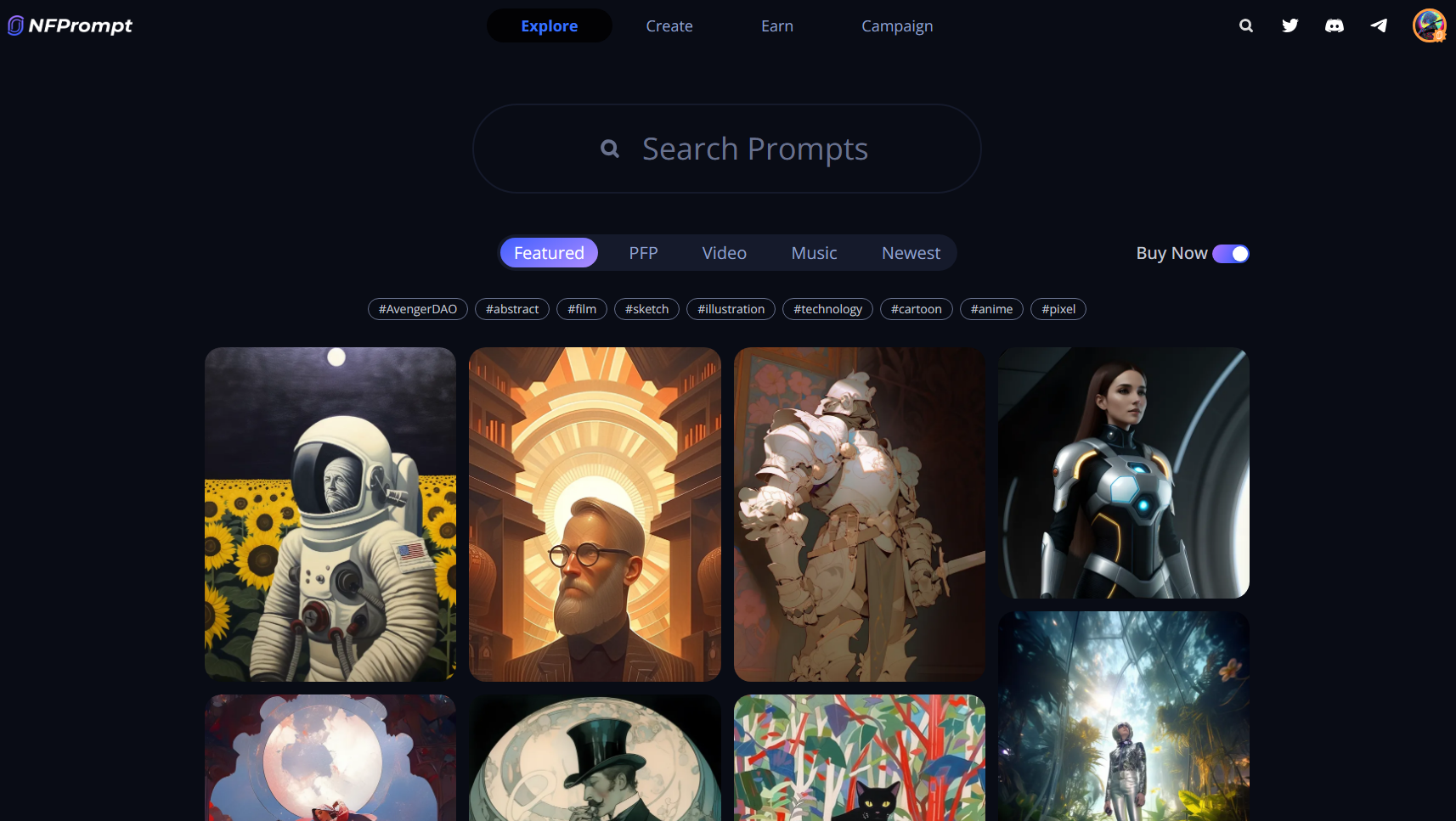
On the interface, toggle the 'Buy Now' button to browse on collections that is listed in the marketplace.
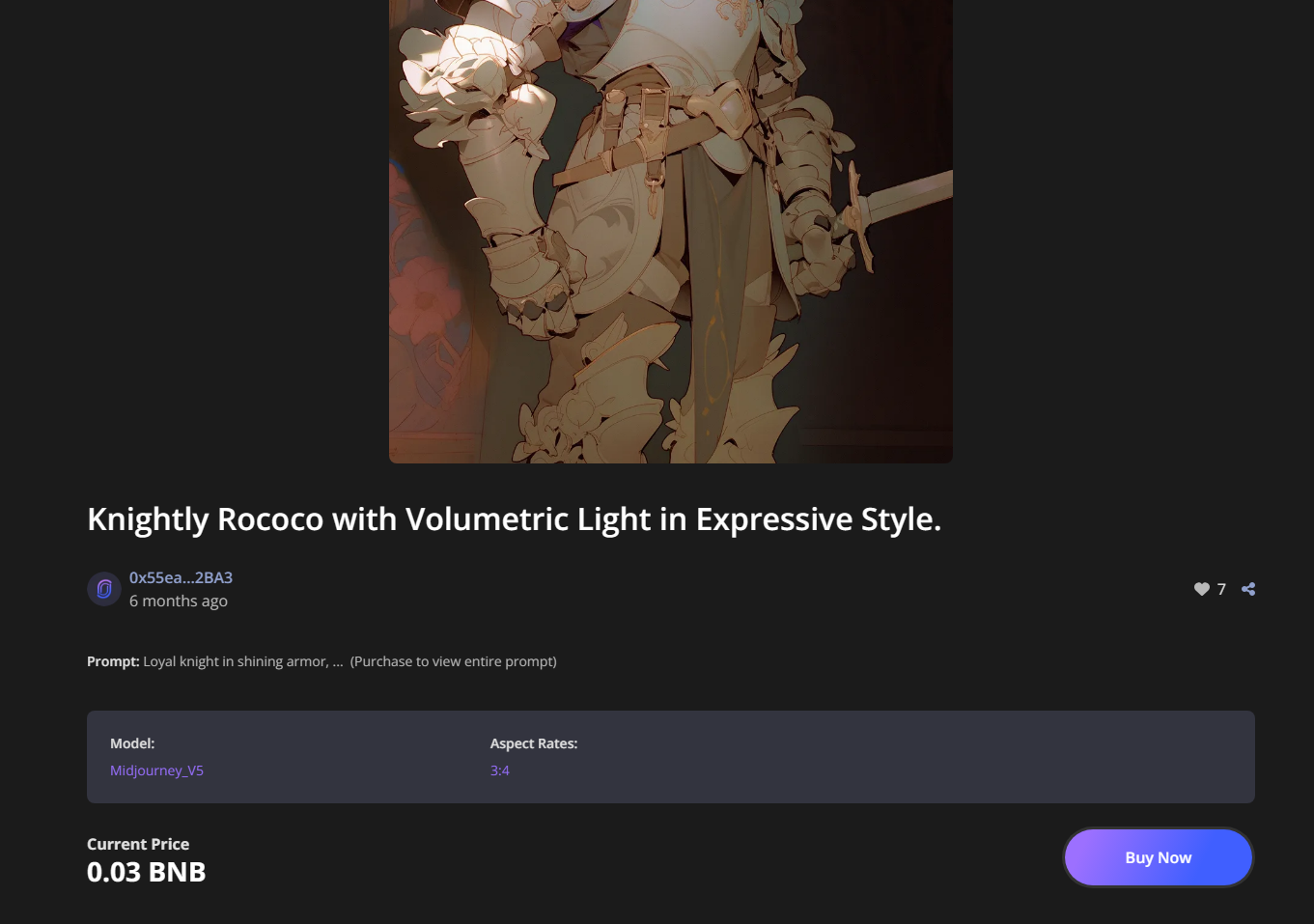
This takes you to the information page for the NFP you've chosen. Clicking the 'Buy Now' button would prompt a wallet transaction.
Signing and approving the transaction transfers the NFP to your address. Congratulations, you've purchased your NFP and the prompt that was used to generate it! 🎉